

Apps, browser and AI
For your device.
And your AI.
iPhone, iPad, Android, Mac, Windows, Linux, browser – or Claude, ChatGPT, Gemini, Grok, Cursor and Microsoft 365 Copilot. The same destinations everywhere. Choose where you start.
Proposal_North_v3.pdf → Michi's iPhoneConfirm
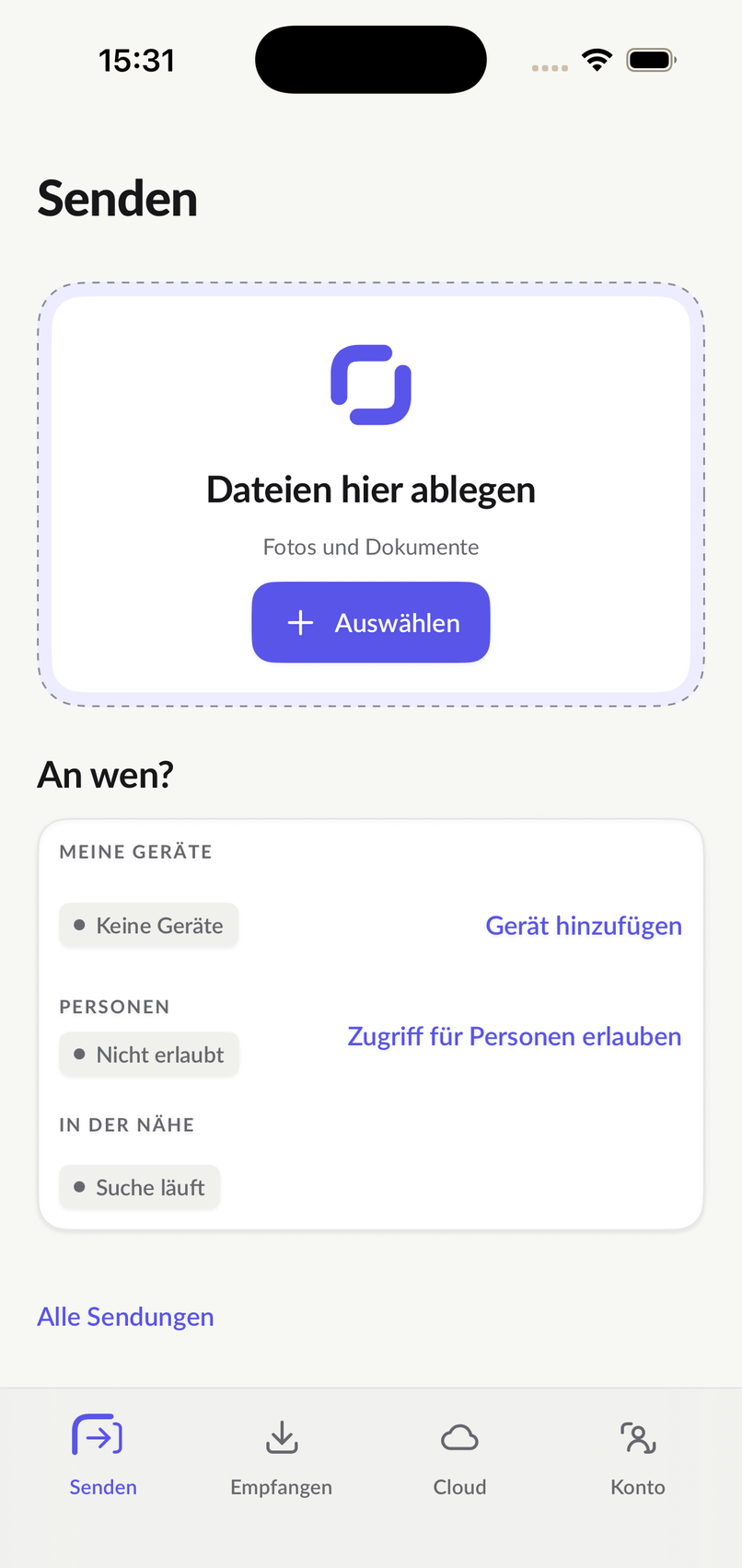
pipeit for iPhone
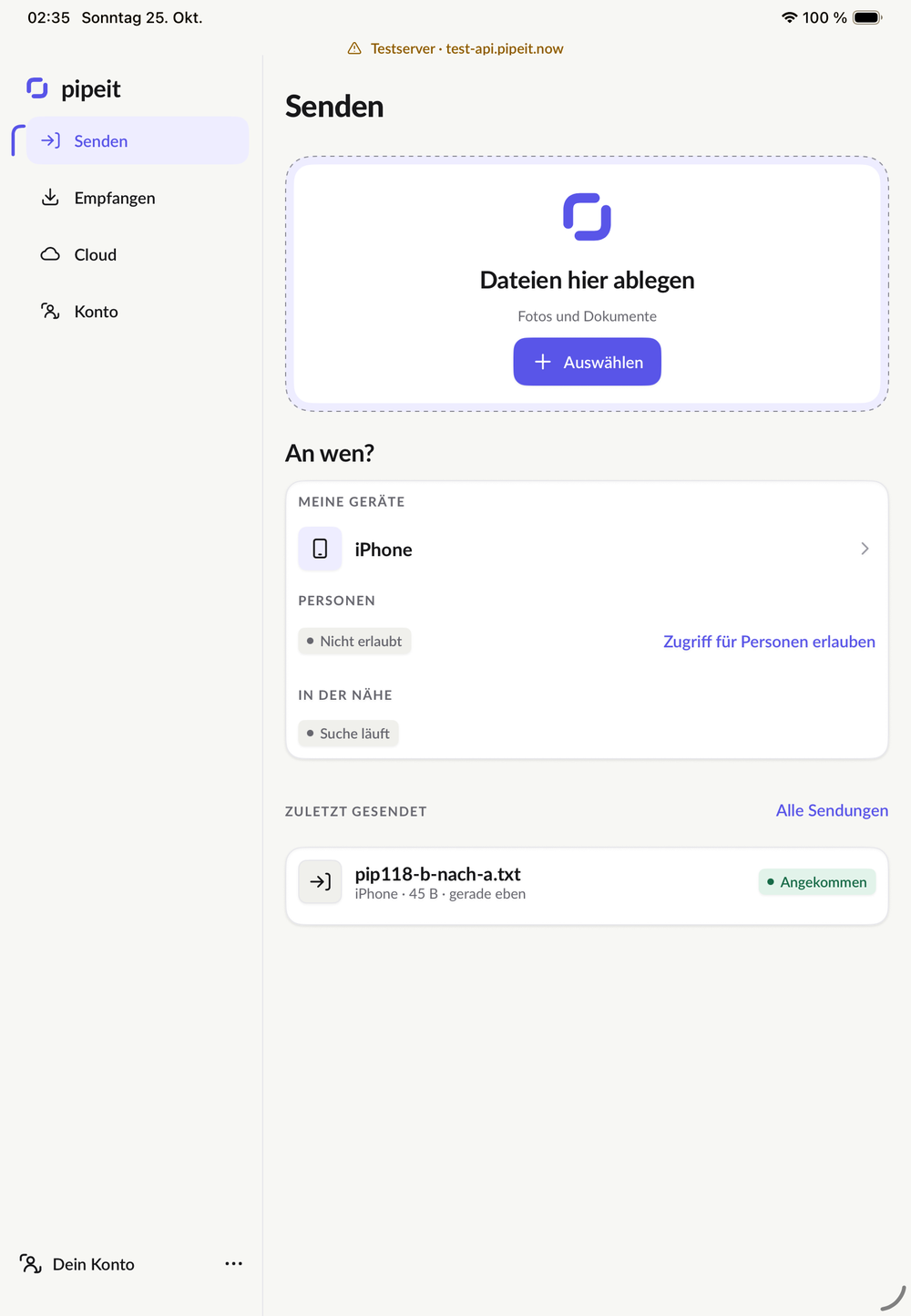
pipeit for iPad
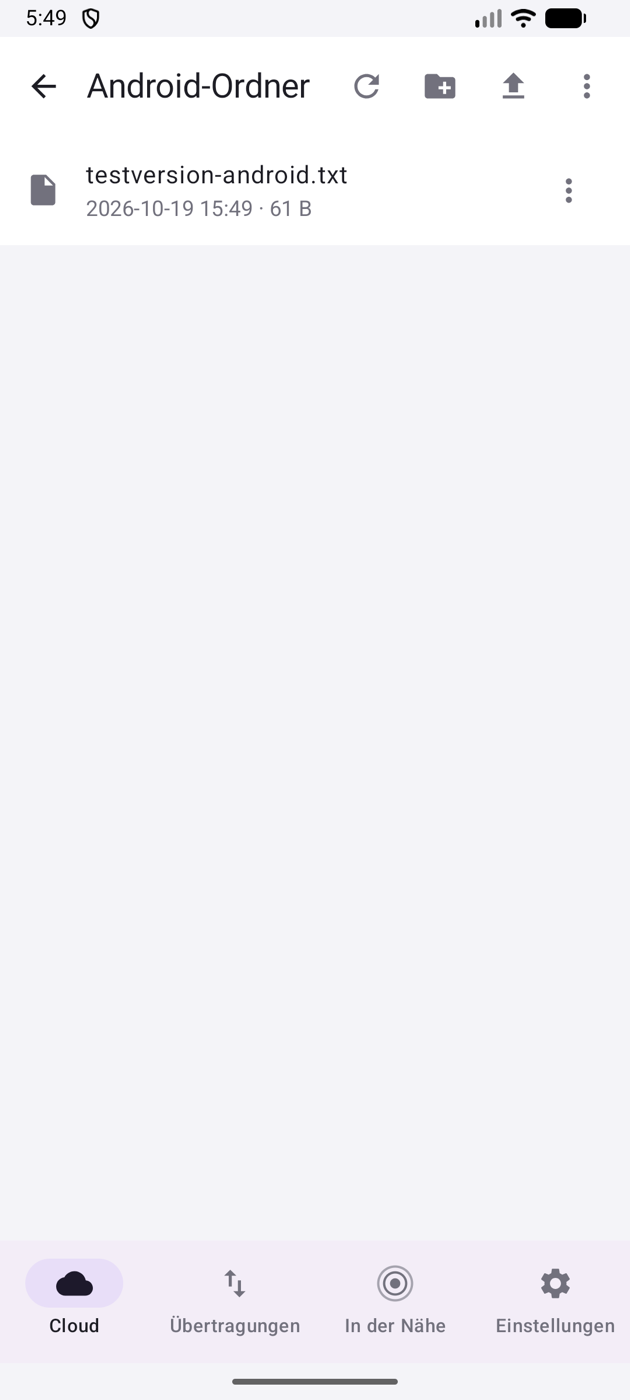
pipeit for Android
pipeit on the Mac
pipeit on Windows
pipeit on Linux
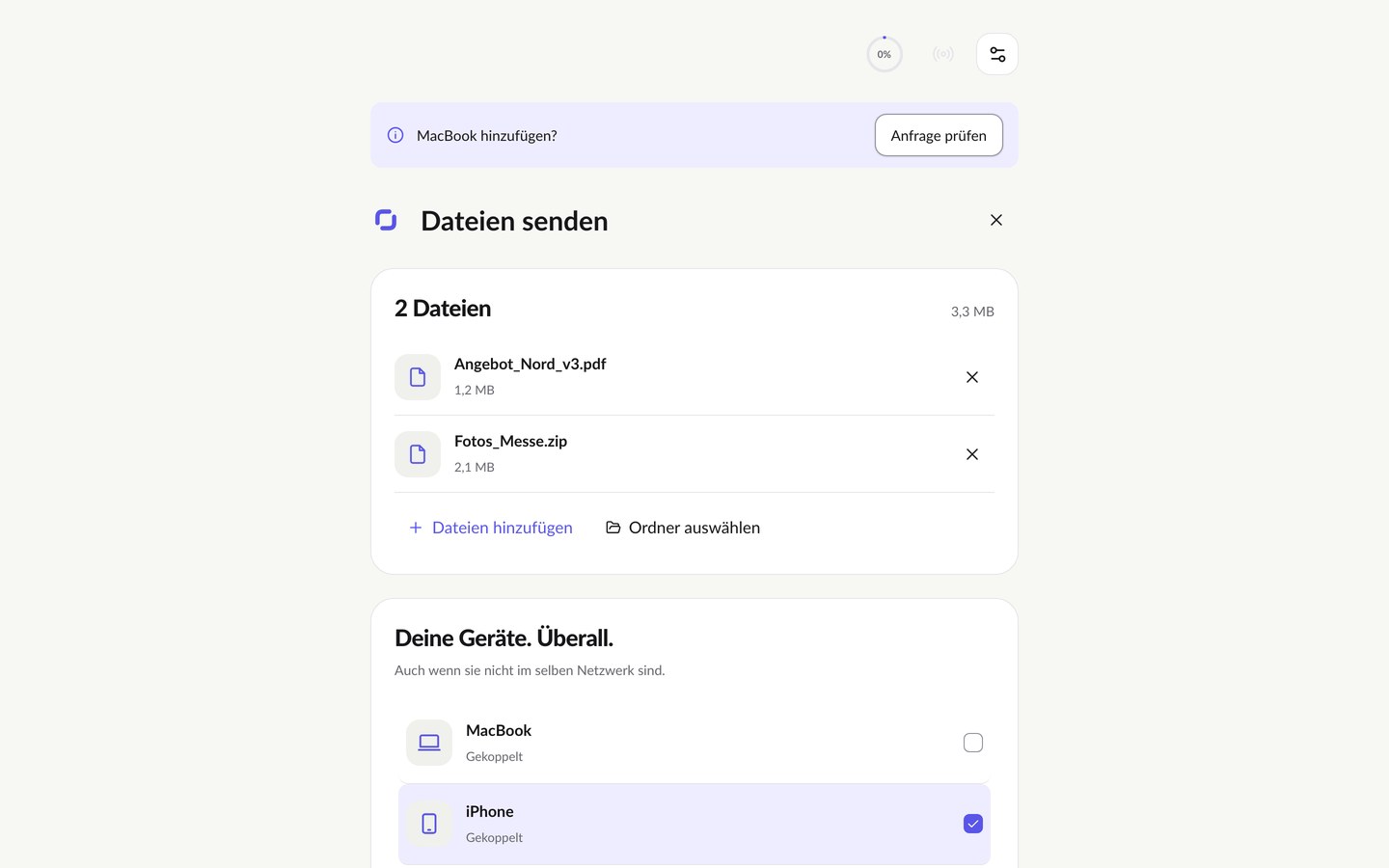
pipeit in the browser
pipeit in your AI
Share sheet, Files app, nearby without internet.
Share sheet, large displays, nearby without internet.
In the browser right away, plus a CLI for terminal and pipeline.
No installation: send, receive, cloud.
Claude, ChatGPT, Gemini, Grok, Cursor and Microsoft 365 Copilot – connect once, then one sentence is enough. Every action is shown first and confirmed by you.
- Start from
- Share sheet, Files app
- Nearby
- Wi-Fi Aware or Wi-Fi, no internet needed
- Destinations
- Devices, people, servers, cloud
- Start from
- Share sheet
- Nearby
- Wi-Fi Aware or Wi-Fi, no internet needed
- Destinations
- Devices, people, servers, cloud
- Browser
- Safari, Chrome, Edge, Firefox
- CLI
- Terminal, script, pipeline
- Browser
- Edge, Chrome, Firefox
- CLI
- Terminal, script, pipeline
- Browser
- Chrome, Firefox
- CLI and agent
- Terminal, pipeline, server as destination
- Browser
- Safari, Chrome, Edge, Firefox
- Connection
- MCP · once per assistant
- Send
- to devices, people, servers, cloud
- Receive
- straight into the chat
✓The same destinations as in every app.
✓The same destinations as in every app.
✓The same destinations as in every app.
✓Nothing happens without your confirmation in the chat.
This is what it looks like
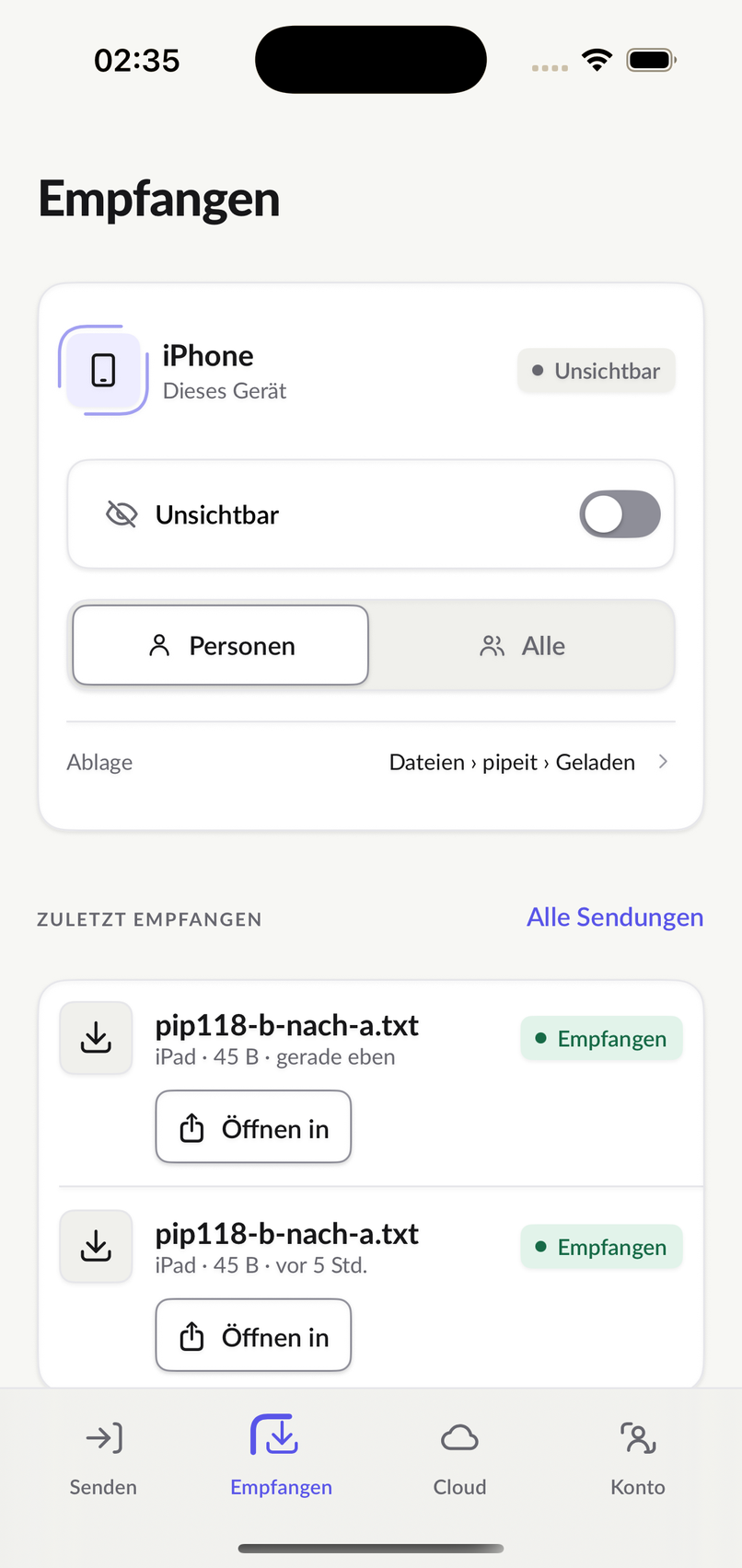
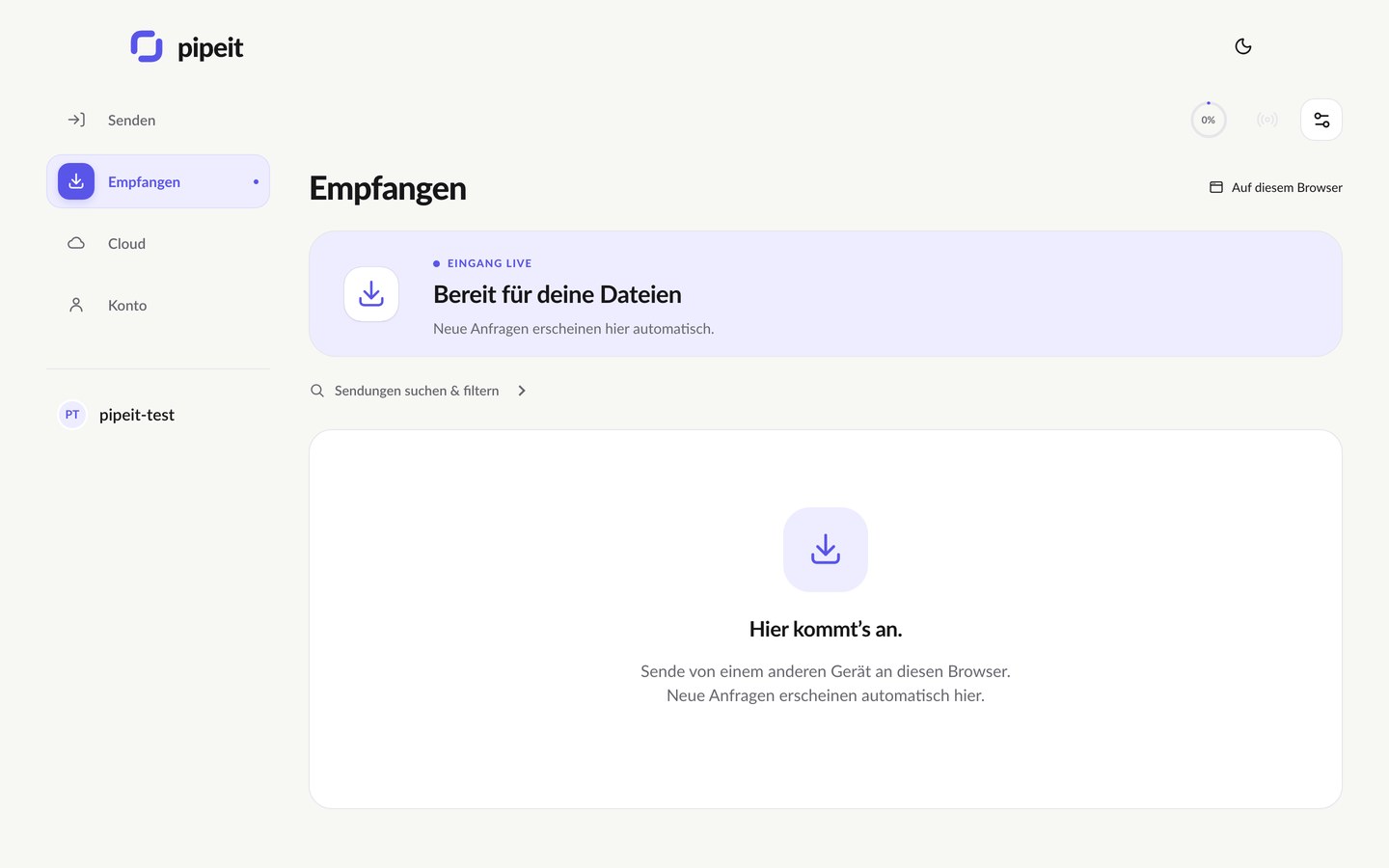
Send here. Receive there.
The same language on every device: drop, tap a destination, accept over there. Here iPhone and browser – the same on iPad, Android, Mac, Windows and Linux.
One account. All devices.
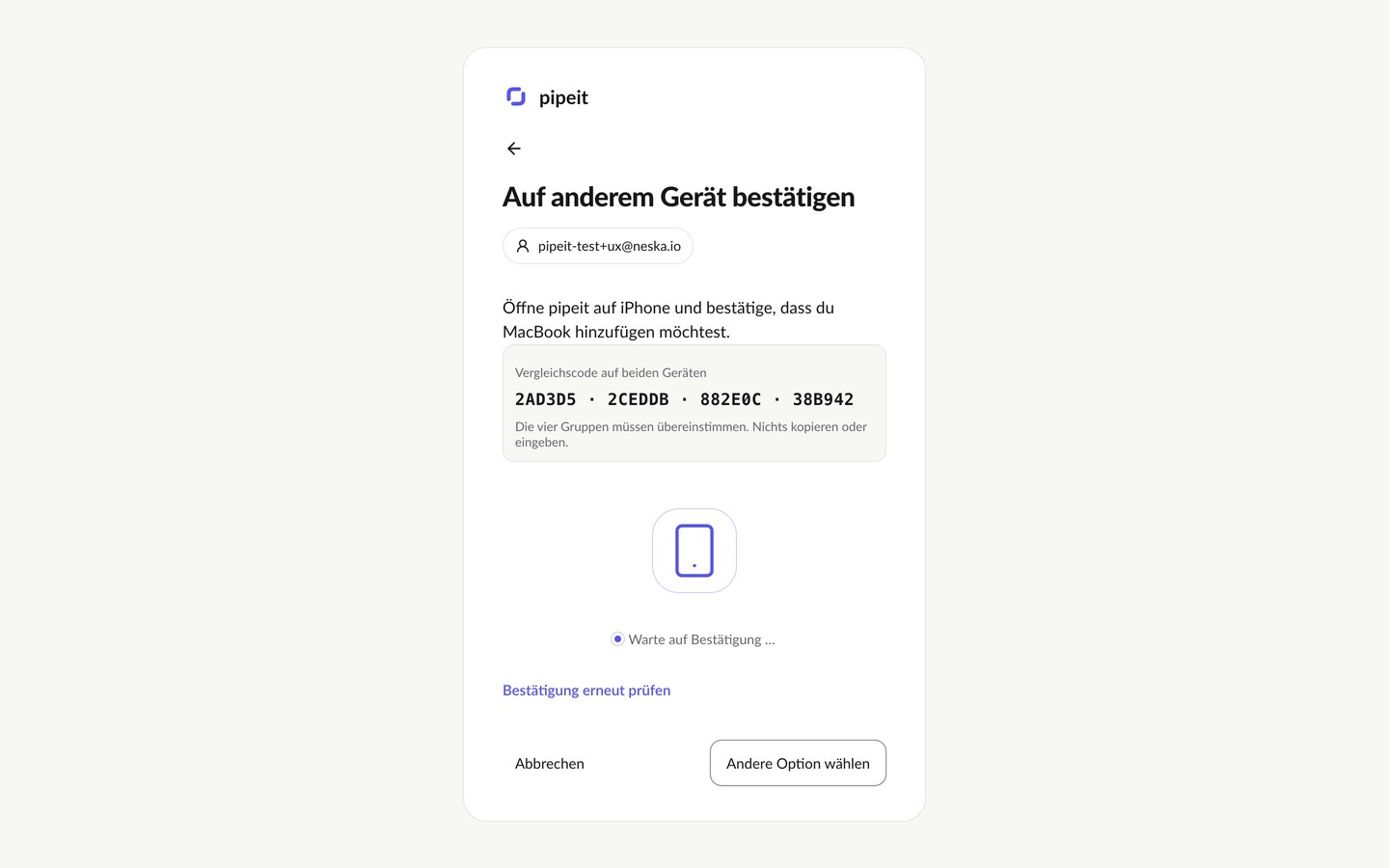
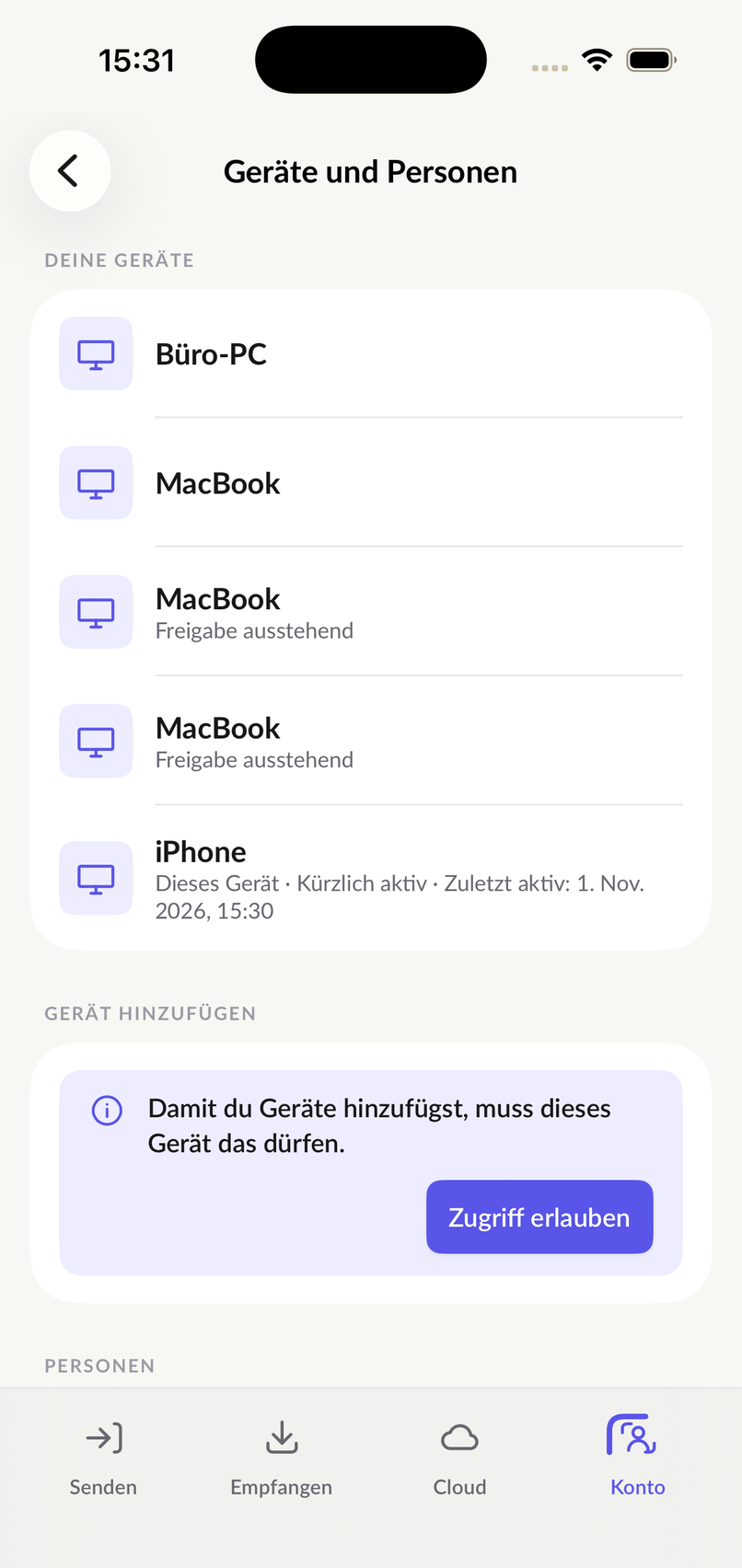
New device? One code.
The new device shows a code, an existing one confirms it – done. After that it appears in the list on all devices, with its own name.
- No password to type on the new device.
- Every device named, checked and removed individually.
- Encrypted directly between your own devices.
In Claude, ChatGPT, Gemini, Grok, Cursor and Microsoft 365 Copilot
Your AI is an app too.
Connect once, then one sentence is enough: “Send this to my iPhone.” Or: “Has Anna sent the invoice?” Sending and receiving, right in the chat.
Proposal_North_v3.pdf → Your MacBookConfirm
Invoice_October.pdf (340 KB) ← Anna's iPhoneAccept
Proposal_North_v3.pdf → Your MacBookConfirm
Invoice_October.pdf (340 KB) ← Anna's iPhoneAccept
Proposal_North_v3.pdf → Your MacBookConfirm
Invoice_October.pdf (340 KB) ← Anna's iPhoneAccept
Proposal_North_v3.pdf → Your MacBookConfirm
Invoice_October.pdf (340 KB) ← Anna's iPhoneAccept
For terminal and server
The same destinations. From the shell.
The CLI for Linux, macOS and Windows sends from terminal, script and pipeline. The Linux agent turns a server into a named destination – it receives only what is approved and executes nothing.
$
pipeit auth login --name build-runner
✓ signed in
$
pipeit send build-412.tar.gz --target prod-web-01
✓ arrived
One account.
Every device. Every AI.
Choose above where you start – or begin in the browser.
iPhone · iPad · Android · Mac · Windows · Linux · Browser · Claude · ChatGPT · Gemini · Grok
Send now