
How pipeit works
You choose the destination.
pipeit finds the route.
Sharing files should feel simple, even when devices, networks and distances differ.
Send
To whom?

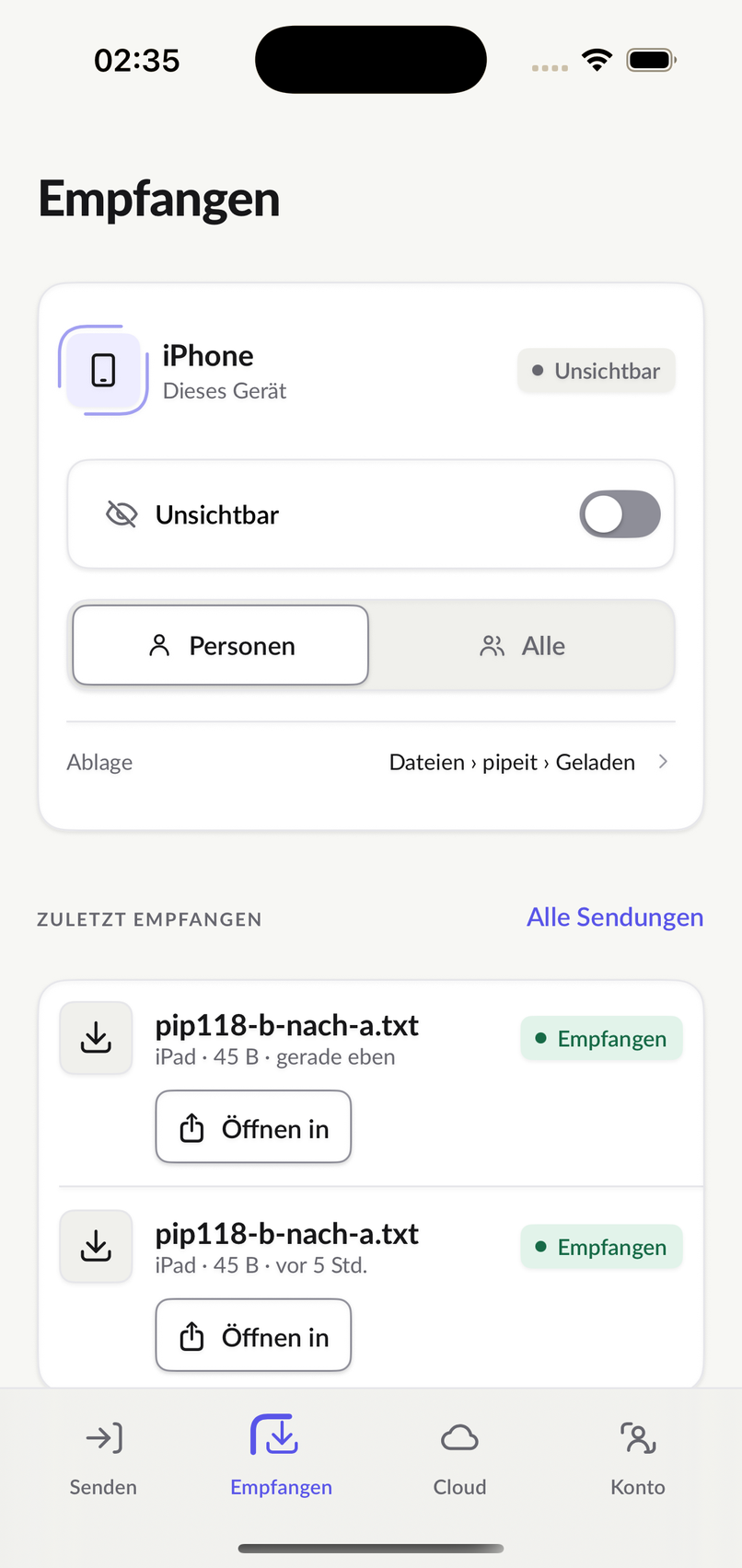
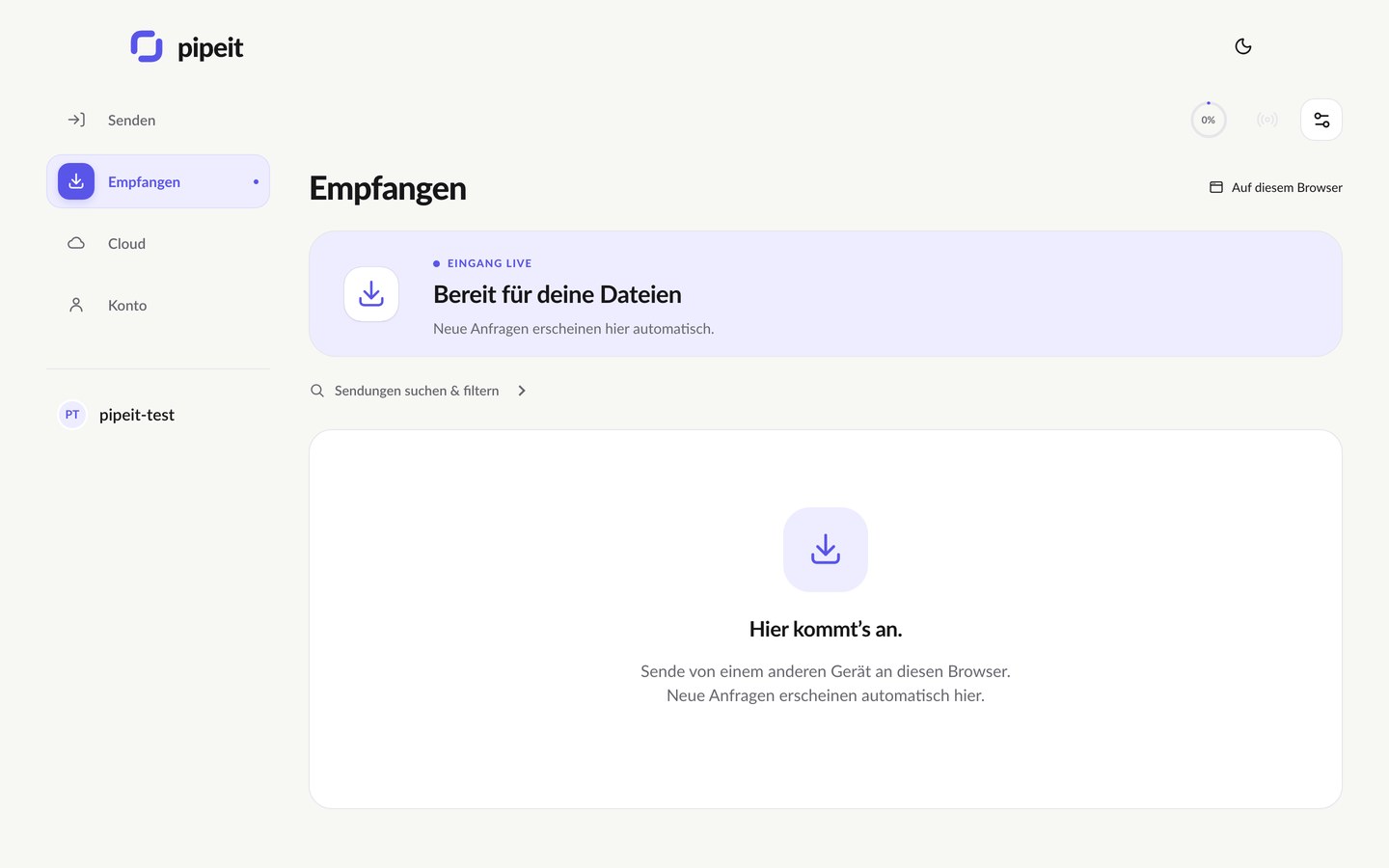
Arrived for you.
Whatever is waiting, you accept it here.
Waiting for you
Accept the files here.
Recently arrived
Three steps
Choose a file. Pick a destination. Send.
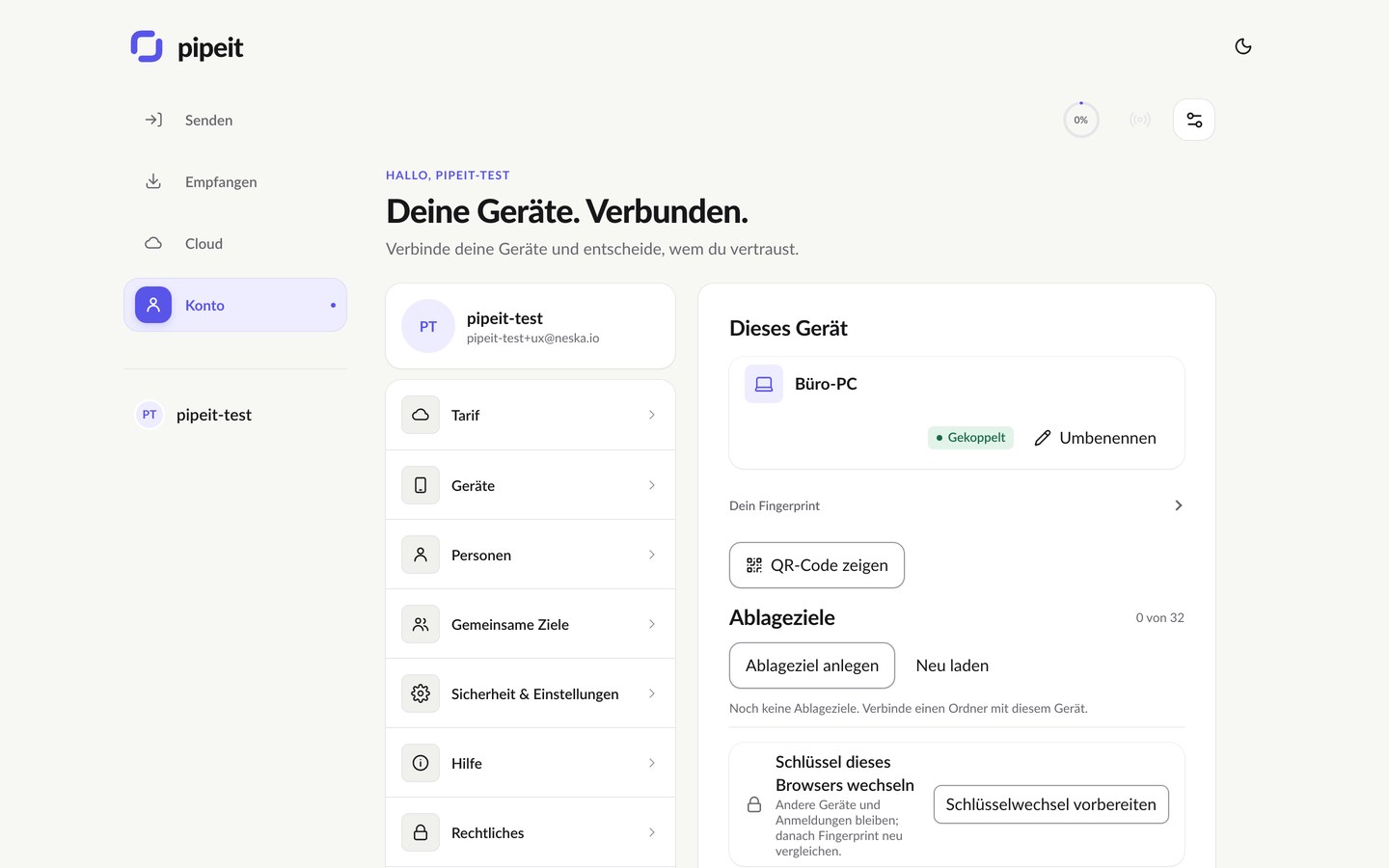
The same three steps on every device. Here iPhone and browser – the same on iPad, Android, Mac, Windows and Linux.
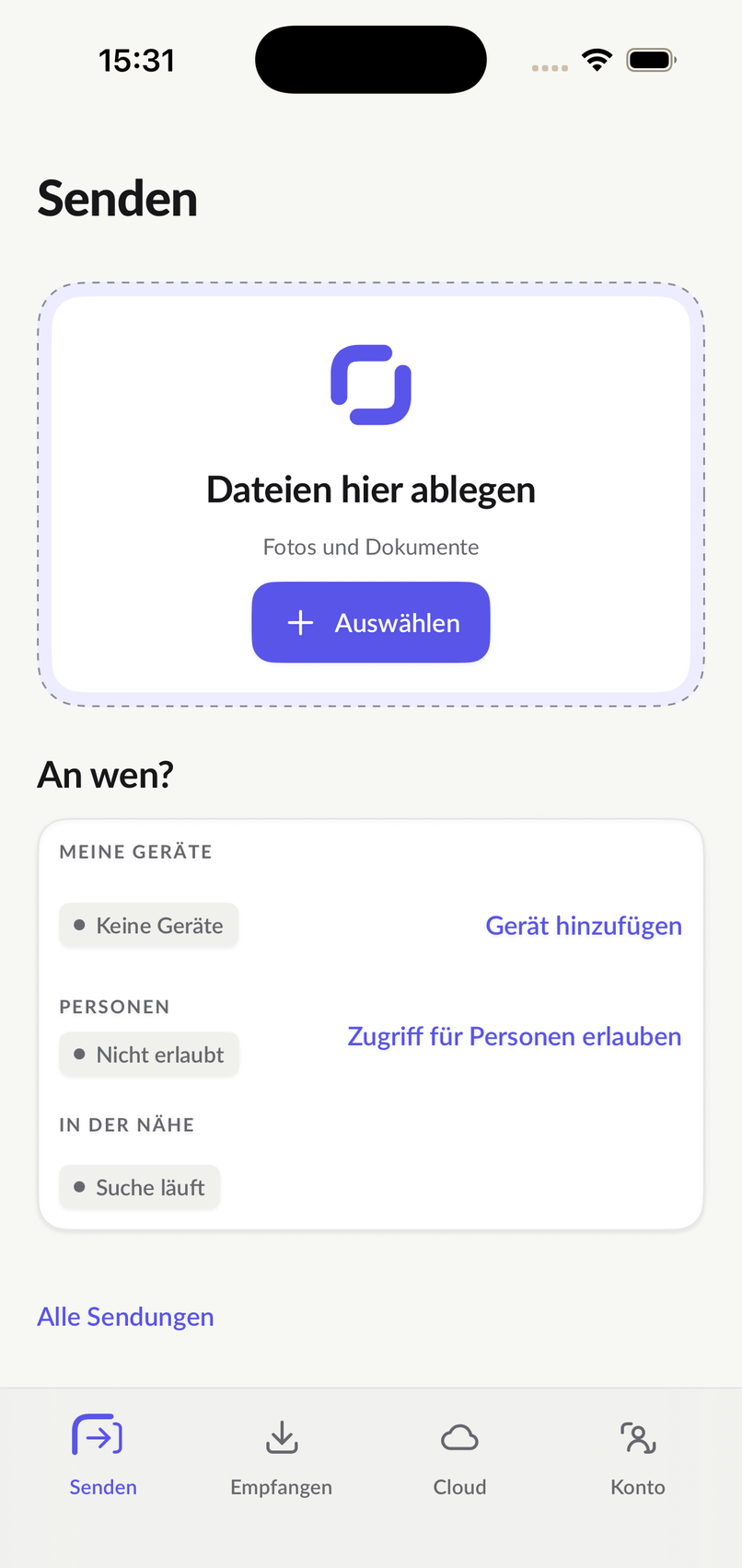
1. Choose your fileSelect photos, documents or folders where you are already working.
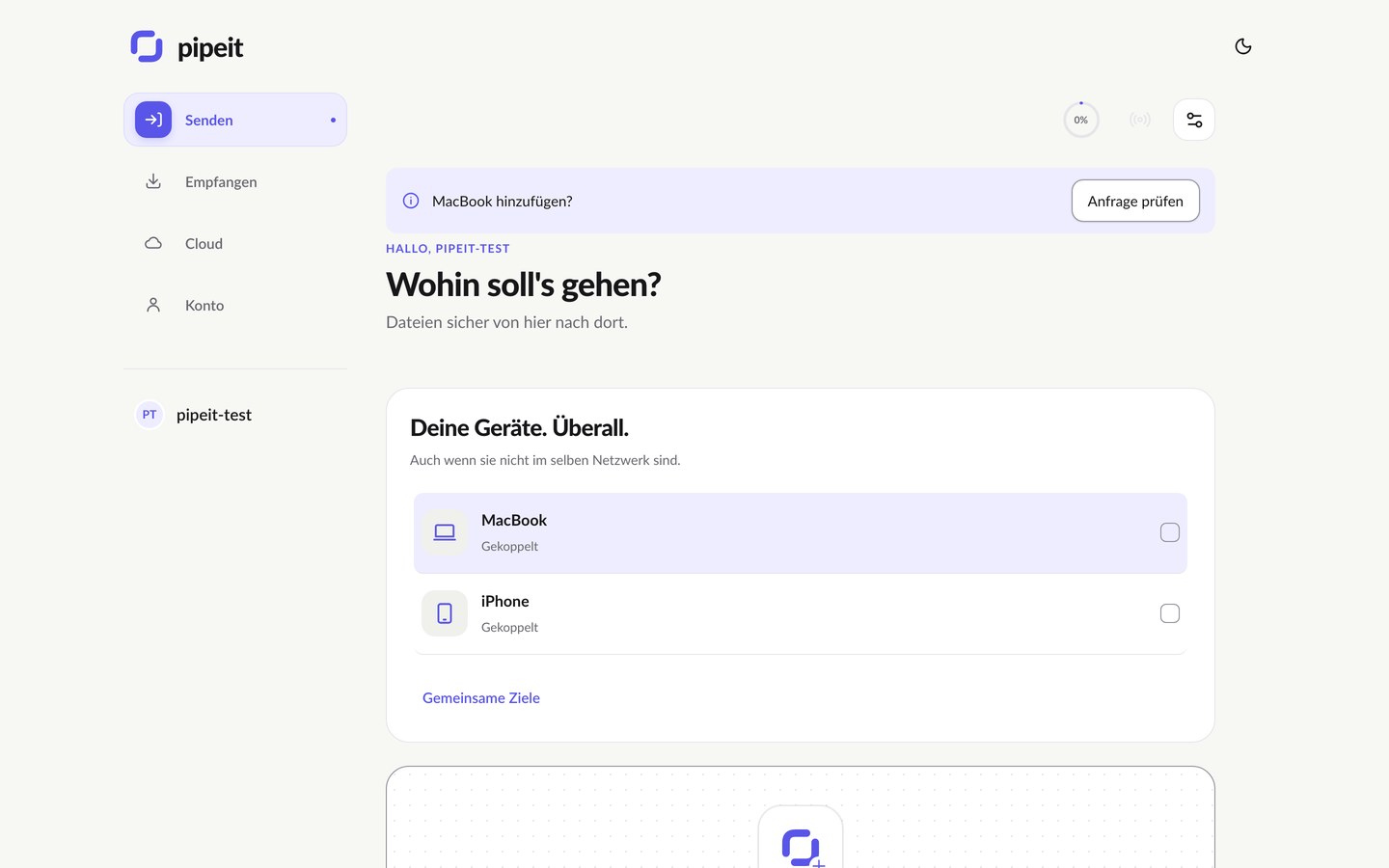
2. Pick a destinationA person, one of your devices or an authorized team destination.
3. Sendpipeit handles the connection. You keep track of what happens.
Nearby first. Without internet when it has to be.
The route adapts. Your task stays the same.
pipeit picks the best route for every transfer – always in this order.
- FirstNearby
In the same room, the pipeit apps send your file straight from device to device: over Wi-Fi Aware without a router or internet, over Wi-Fi or LAN on the same network, and pipeit finds nearby devices with Bluetooth and local network discovery. That works between iPhone, Android, Windows, Mac and Linux.
- ThenDirectly over the internet
When you are apart, devices connect directly over the internet.
- LastEncrypted server route
Only when no direct route is available does an encrypted server route without intermediate storage take over. With resumable transfers so a brief interruption does not mean starting over.
Encryption
End to end. Over the server route too.
From device to device your file is end-to-end encrypted – directly and over the server route. The server only passes encrypted content on and keeps nothing.
- Only sender and recipient can read the content.
- Every device has its own keys; you see the fingerprint with your devices.
- pipeit Cloud is different: there the service can read – which is why it has search and file views.
Receiving
Receiving is a decision.
Unknown senders cannot place files on your device. Only contacts and authorized devices send to you.
- Only contacts and authorized devices can send to you.
- You accept – on the device, in the browser or in the chat.
- It ends with a receipt, not just a progress bar.
Under the hood
For everyone who wants to know exactly.
Five articles on architecture, connectivity, encryption, relay and resuming – what pipeit does and what it does not promise.
- Architecture: control and file data are separate
A transfer has two jobs: decide who may send what to whom, and move the encrypted bytes. pipeit keeps them apart.
- Connectivity: nearby, WebRTC, TLS, routing and ICMP
How devices find each other nearby and across networks, why a routed network needs no special format and what the ICMP path for locked-down Linux hosts does.
- Encryption: file content, keys and signatures
Which standard algorithms protect a file sent from device to device, what each one does, and what the profile does not promise.
- Relay: diskless does not mean workless
Why the relay (server route) keeps no file yet still uses memory and CPU, and how backpressure keeps it bounded.
- Resuming: acknowledgement, checkpoint and receipt are different
Five signals that sound alike and mean different things, and what resuming actually keeps.
Send once.
Then you know.
In the browser without installing anything – or with the app on your device.
End-to-end encrypted when sendingNo ads, no trackingOperated in Germany