

pipeit Teams
Work together.
Share with purpose.
One place for your team’s destinations: clear for everyone, manageable for those responsible.
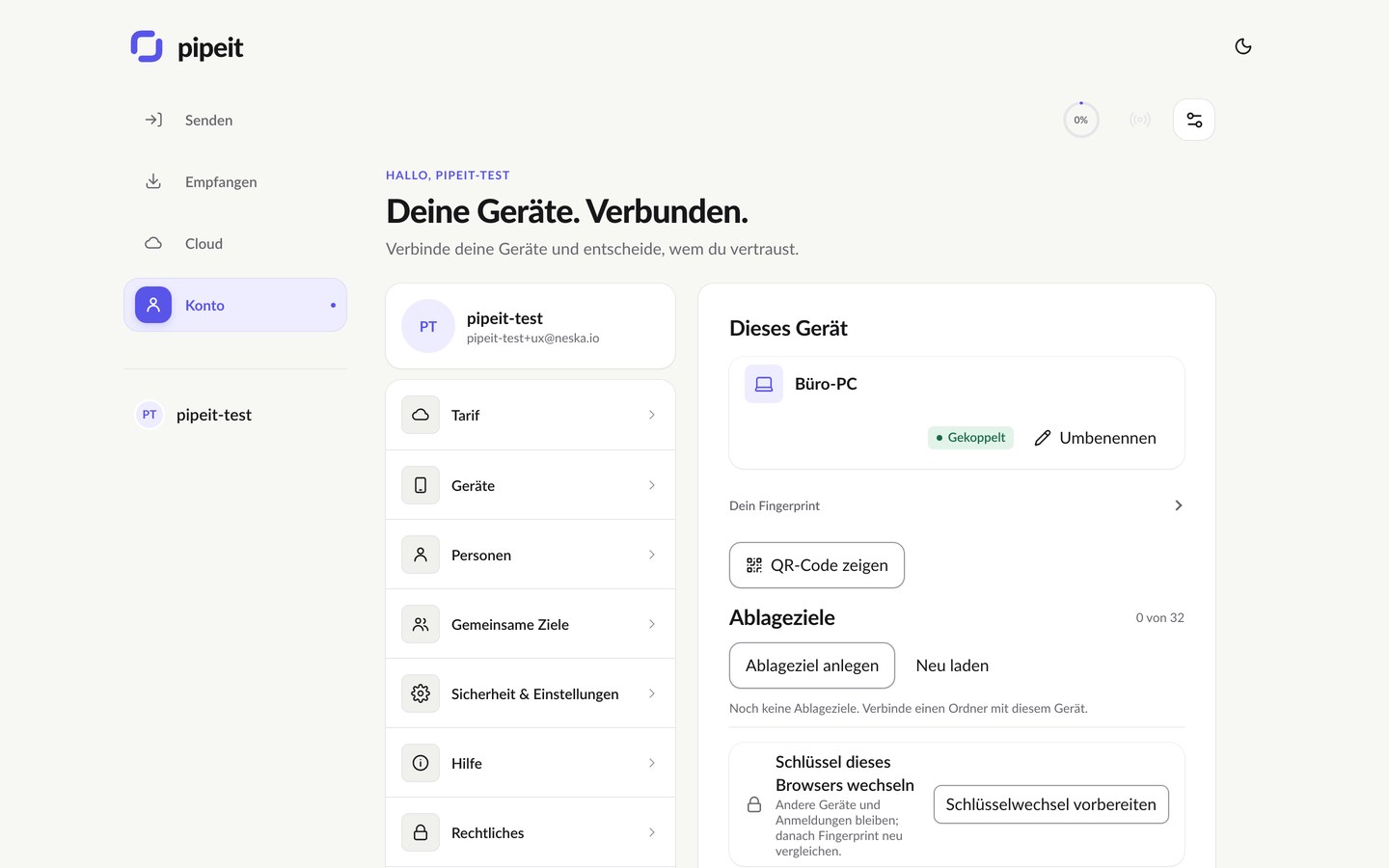
Shared destinations
Destinations that belong to the team.
Marketing, invoice intake or an authorized server: a destination stays in place as responsibilities change.
- New members find the destinations they need for their work.
- A destination stays, even when responsibilities move on.
- Servers, people and personal devices sit side by side as destinations.
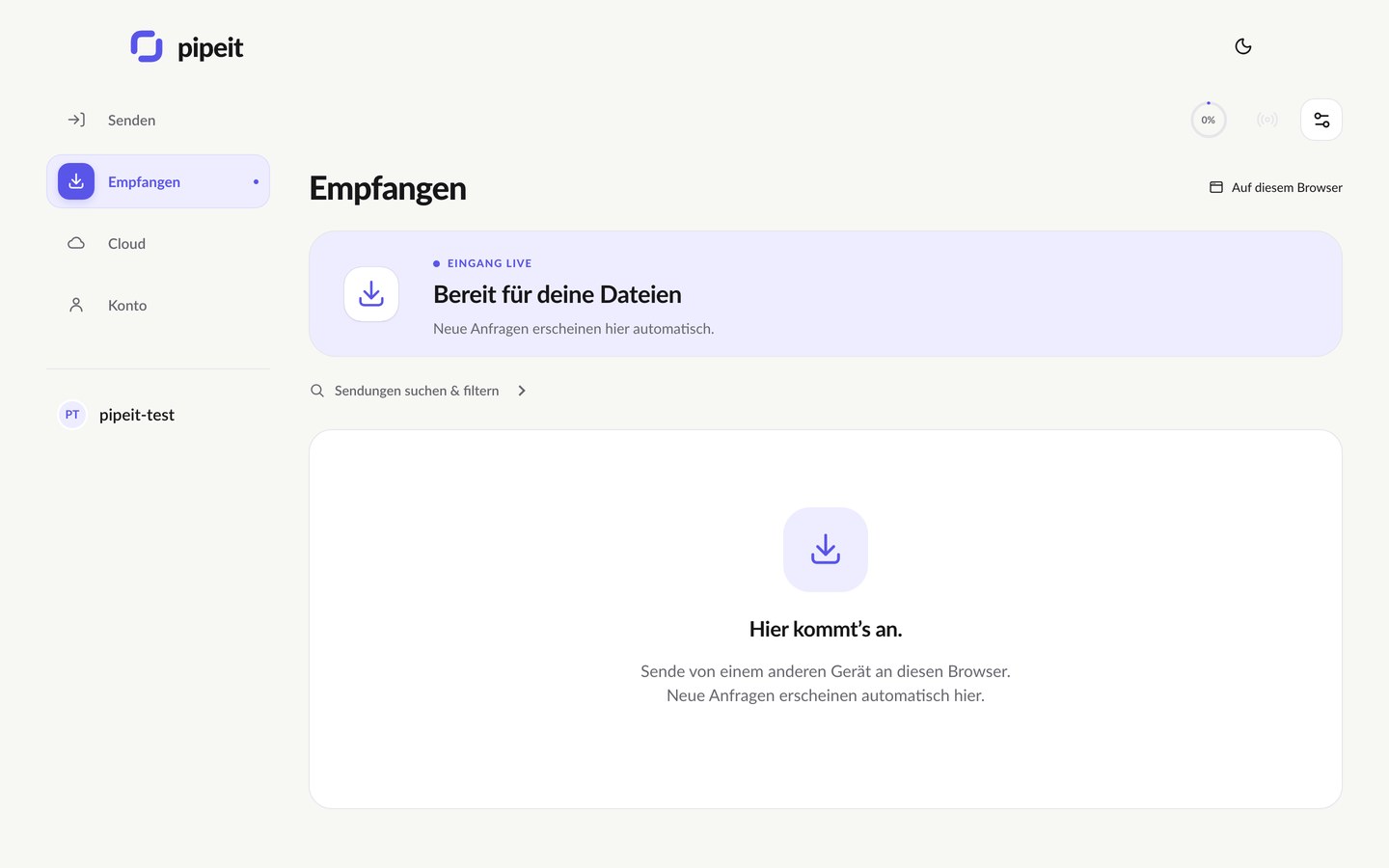
Permissions
The right people at the right destination.
Manage members, groups and permissions without explaining every transfer individually. Permissions determine who can send files to each destination.
- Members, groups, permissions in one place.
- Remove access when it changes: update permissions as roles change.
- To be clear: revoking access cannot retrieve a file someone has already received.
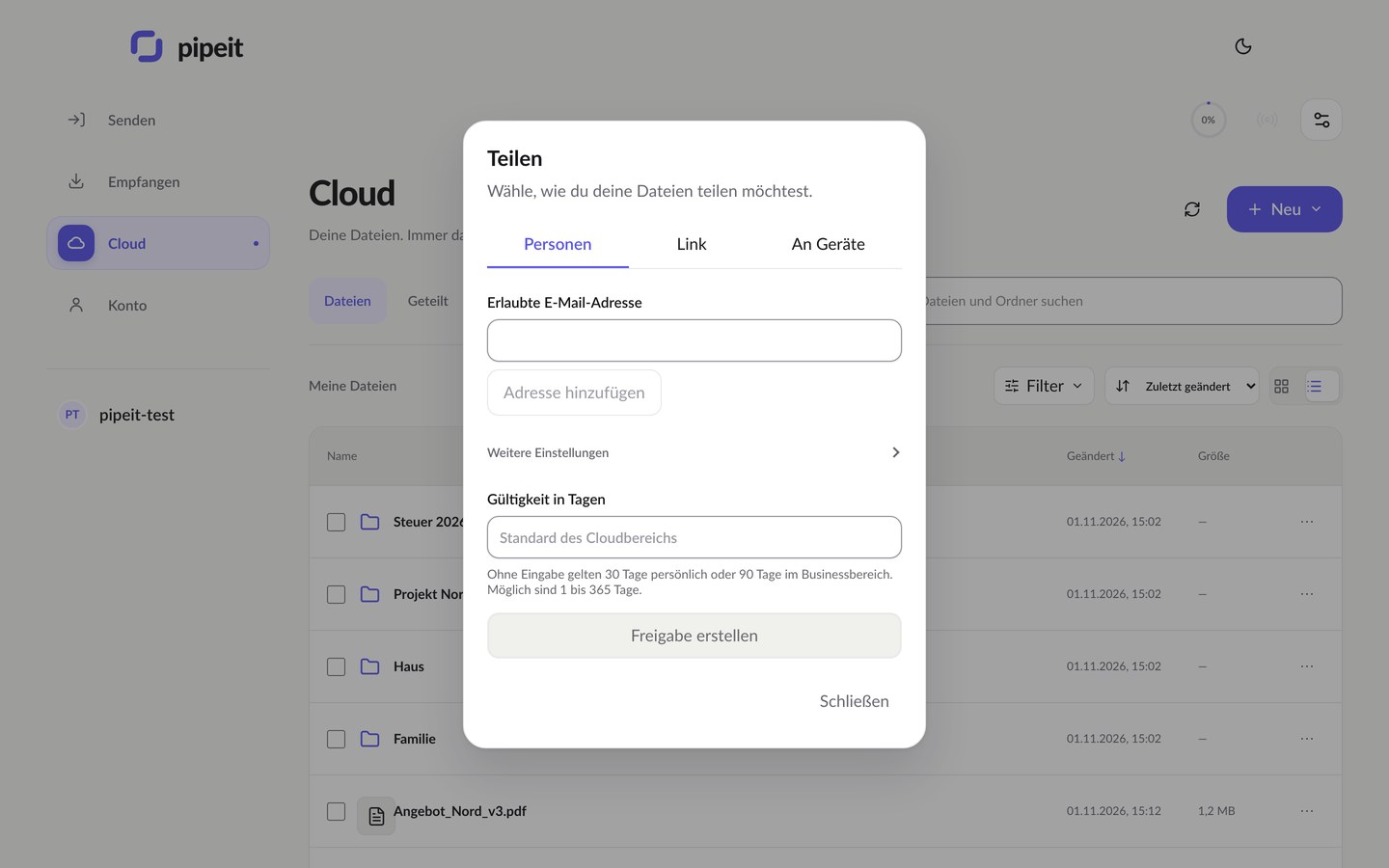
Business workspaces
Business workspaces: one pool, clear roles.
A Business workspace gives a team shared storage and shared folders. Every regular member adds to the pool; guests do not.
- Pooled storage: shared across the workspace and separate from each member’s personal storage, which stays their own.
- Pay for members, not for guests: link recipients and people who upload through a request do not need a paid seat.
- Shared folders with permissions: you decide who can see, change and share team files.
- A longer safety net: versions and the trash are kept longer than in personal accounts, so a mistake can be undone after the weekend.
- Removing access works going forward: when someone leaves, their access to the workspace ends. Copies they already downloaded stay with them.
Business starts at €2.99 per member a month, excl. VAT. Billing is per regular member and can be cancelled monthly.
For IT and pipelines
A server does not need a different design language.
An authorized server destination sits alongside people and personal devices. A Linux agent or the pipeit CLI receives files as a named destination, and CI pipelines deliver builds the same way. Technical settings stay with the people responsible for them.
$ pipeit send release-2026.11.tar.gz --target build-server
✓ arrived  build-server:/srv/incoming  ·  receipt 4c1e…b7
Tell us which destinations
your team needs to connect.
Write a few lines about how your team moves files. We will get back to you.
Members, groups, permissionsPooled storageServers as destinationsCancel monthly